The Cadence flow page (https://km-florist-receptionist.vercel.app/cadence/flow) is where follow-up actually happens: you drop a person into a workflow, the enabled touches go out on schedule, and you watch opens and clicks roll in per touch.
Add a person to a workflow
- Open /cadence/flow.
- Use the add-a-person form and fill in First name, Phone, and Email.
- Pick the Workflow they should enter.
- Save. From that moment they receive every enabled touch in the sequence on its day offset.
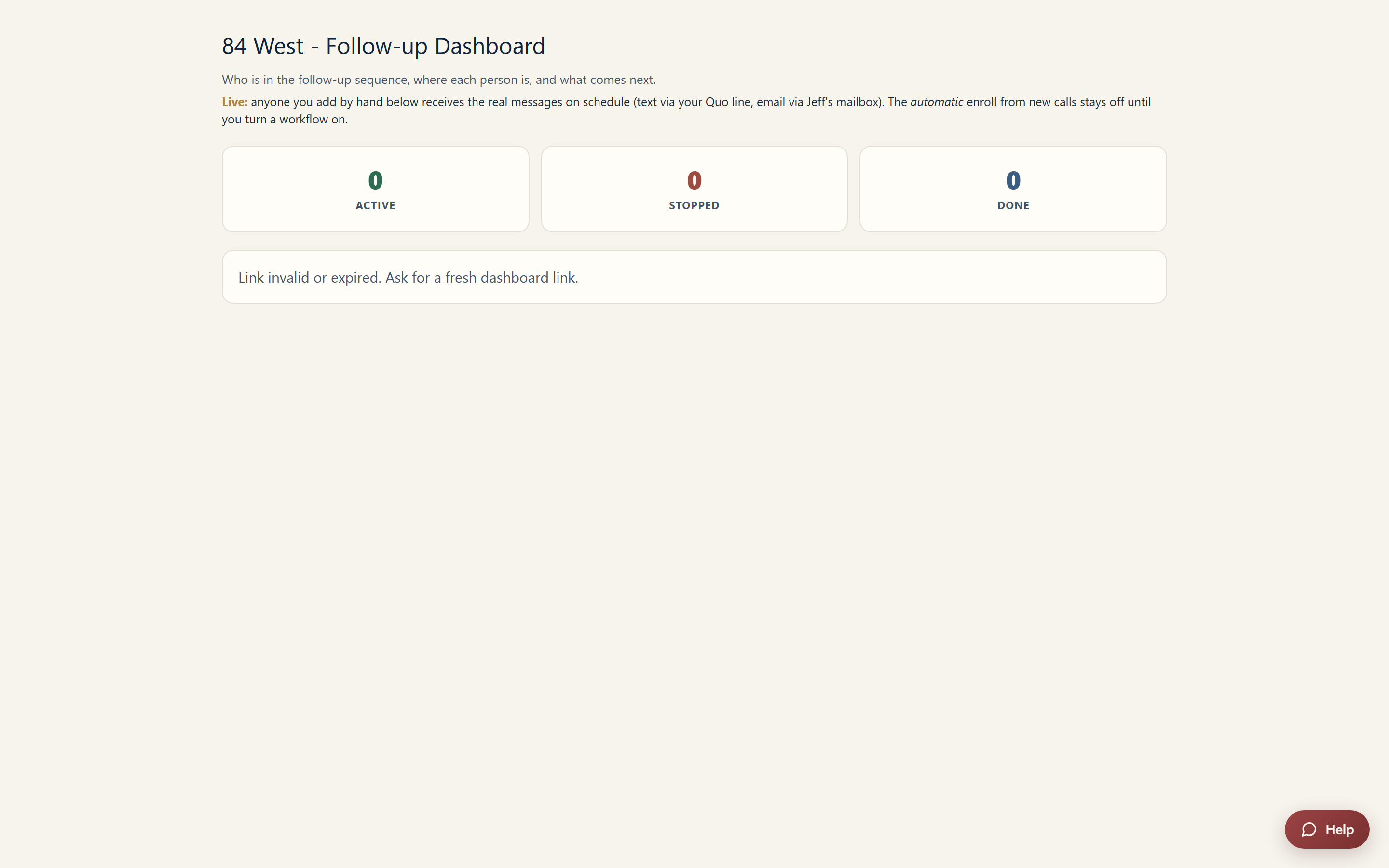
Reading the people list
Each person in a workflow shows three things at a glance:
- Status: Live (touches are still sending), Stopped (the sequence was halted for them), or Done (they finished every touch).
- Current step: where they are in the sequence right now.
- NEXT touch: exactly which message they'll get next, so there are no surprises.
Open a person's message history to see everything that has already been sent to them - useful before you pick up the phone, so you know what they've read.
Track opens, clicks, and the funnel
The email engagement block on the same page shows how the sequence is performing:
- Emails sent: total delivered by the workflow.
- Opened and Clicked: raw engagement counts.
- CTR: clicks as a share of sends.
- Click-to-open: of the people who opened, how many clicked - a good measure of whether the body copy earns the click once the subject line has done its job.
- Funnel by touch: engagement broken down touch by touch, so you can spot the exact step where people stop responding.
Using the funnel to improve the sequence
If one touch shows plenty of opens but few clicks, its body or link is the weak spot - rewrite it in the editor at /cadence. If a touch barely gets opened at all, the subject line or the day offset is the likelier culprit. Small edits at the leakiest step move the whole funnel.
Still stuck? Submit a ticket from this help center and we'll take it from there.
Was this article helpful?
That’s Great!
Thank you for your feedback
Sorry! We couldn't be helpful
Thank you for your feedback
Feedback sent
We appreciate your effort and will try to fix the article