If your system is not on the connector list, you are not stuck: paste a Zapier or Make webhook URL into your dashboard and BloomLine will send your shop's activity to it. From there, Zapier or Make can push it into practically any CRM, spreadsheet, or notification tool you use.
Set up the webhook
- In Zapier or Make, create a new scenario or Zap that starts with a webhook trigger, and copy the webhook URL it gives you.
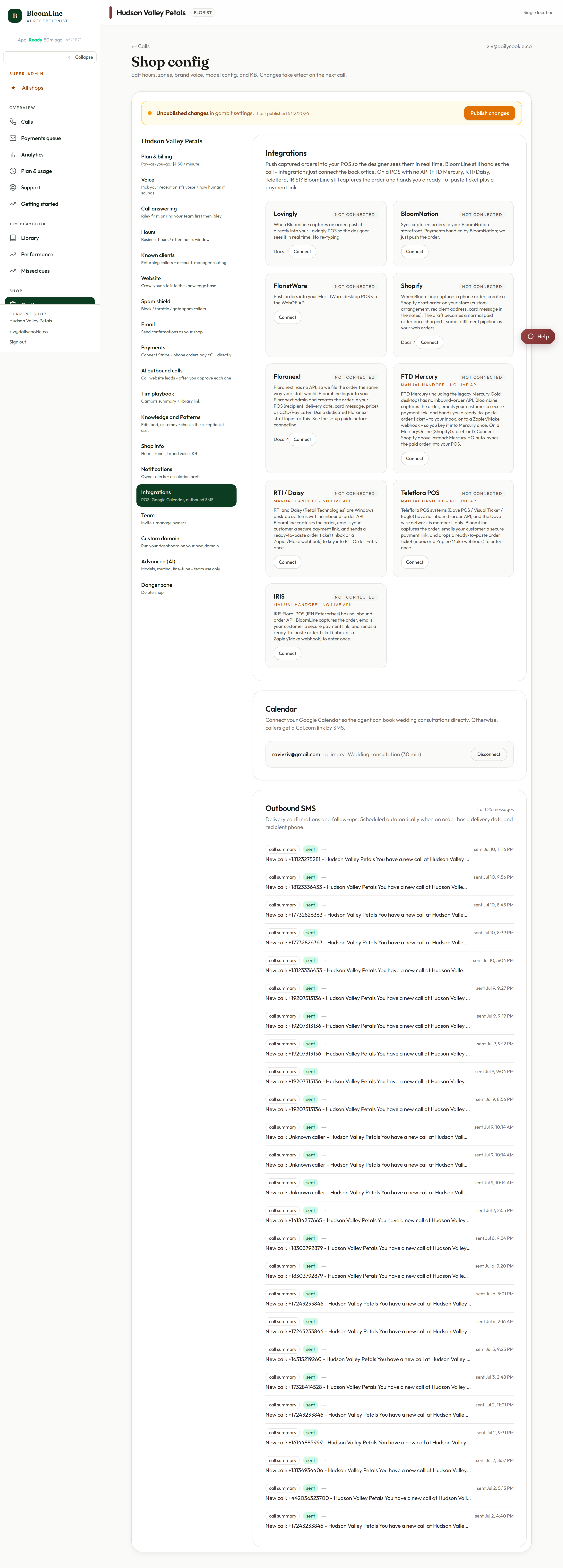
- Open Shop config > Integrations in your BloomLine dashboard.
- Find the Zapier / Make webhook URL field. It is optional - leave it blank if you do not use one.
- Paste your webhook URL and click Publish changes when the bar appears.
- Back in Zapier or Make, map the incoming fields to your destination app and turn the automation on.
A second webhook for outbound-call leads
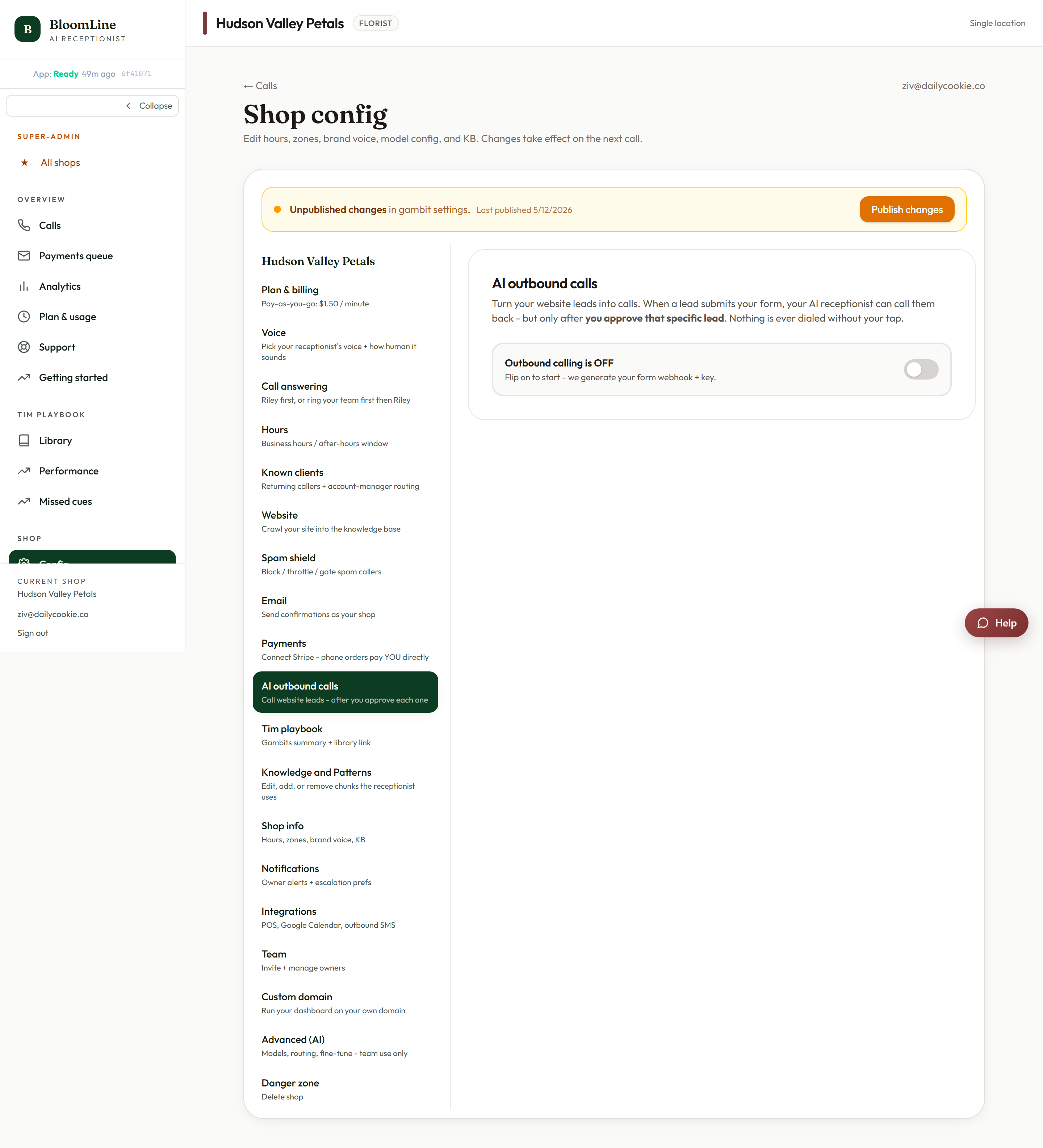
If you use AI outbound calls, there is a separate, dedicated field for lead forwarding: the Also forward leads to CRM webhook in Shop config > AI outbound calls. Point it at your CRM's webhook and every lead that enters the outbound flow is forwarded there as well, so your sales pipeline stays in sync with what Riley is calling on.
What to build with it
- Add every phone lead as a contact in your CRM automatically.
- Log orders to a Google Sheet your bookkeeper works from.
- Ping a Slack or team channel when something new comes in.
Because Zapier and Make sit in the middle, one webhook URL can fan out to as many destinations as you like.
Testing it
After publishing, trigger some activity (a test call works well) and check that your Zapier or Make scenario received a payload. If nothing arrives, re-check that the URL was pasted exactly and that you clicked Publish changes, then open a ticket and include the webhook URL's source (Zapier or Make) so we can trace it.
Still stuck? Submit a ticket from this help center and we'll take it from there.
Was this article helpful?
That’s Great!
Thank you for your feedback
Sorry! We couldn't be helpful
Thank you for your feedback
Feedback sent
We appreciate your effort and will try to fix the article