If your flower shop runs on Square, BloomLine can send the orders Riley takes on the phone into Square Orders - so your phone business and your counter business live in the same place.
How it works
Riley answers your calls, takes the order details, and the order flows into Square Orders. Your team sees phone orders right alongside everything else in Square, and fulfillment continues exactly the way it already does.
That means:
- No voicemail transcribing or re-keying phone orders into Square by hand.
- One order queue for your designers, whatever channel the order came from.
- Phone orders get the same tracking and reporting as the rest of your Square activity.
Where to learn more
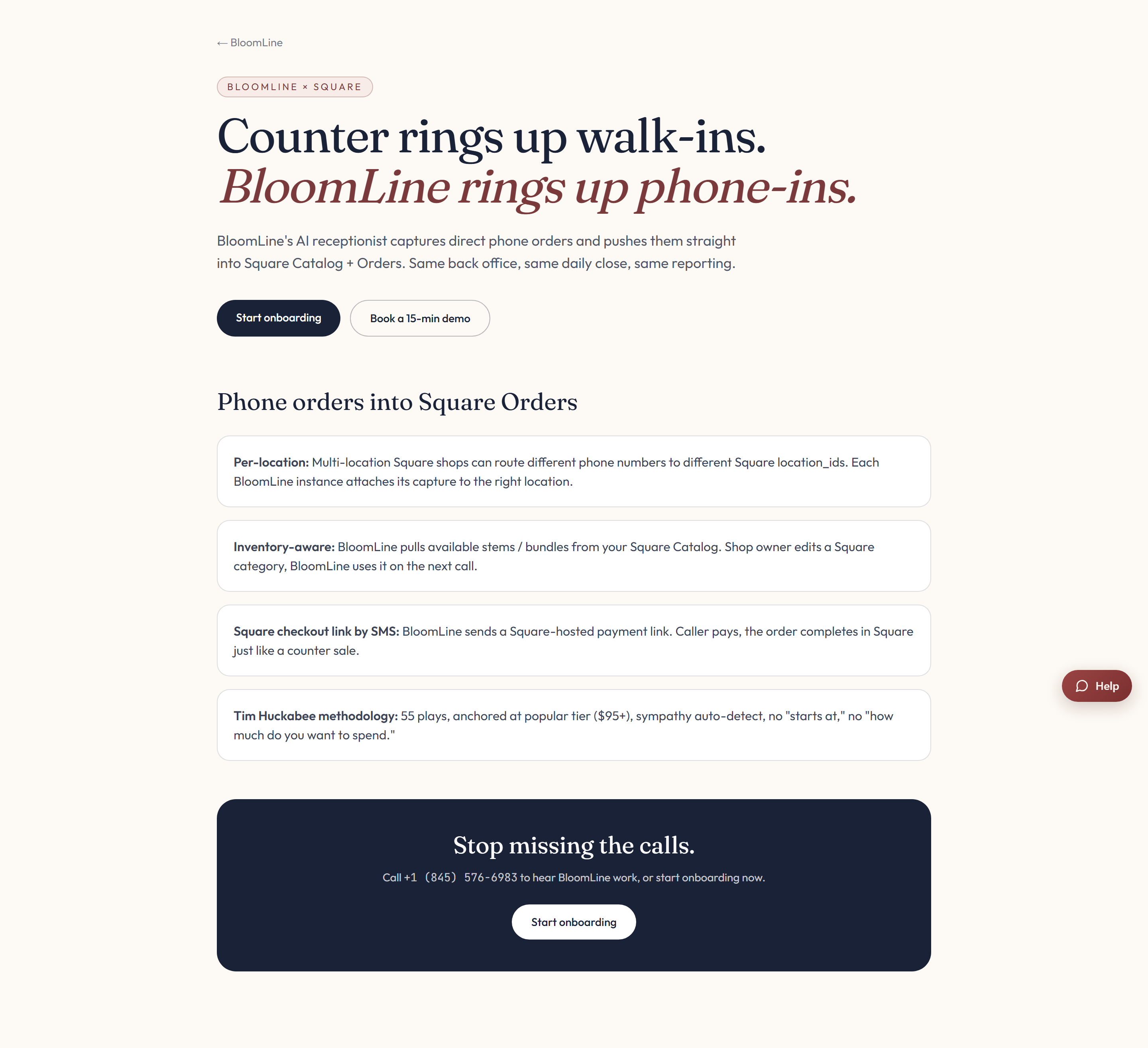
The Square partner page walks through the feature sections and the pitch for Square florists in detail.
Getting set up
- Read the Square partner page so you know what to expect.
- Use the get started or contact links on that page to kick off the connection with the BloomLine team.
- We will confirm with you once phone orders are flowing into Square Orders.
Unlike some of the other connectors, Square setup starts from the partner page rather than a self-serve block in the dashboard, so reach out and we will handle the wiring with you.
While you wait
Everything else about BloomLine works the same for Square shops: Riley answers calls, takes orders, and you see every call with its transcript and recording in your Calls dashboard. The Square connection just closes the loop so those orders land in your POS automatically.
Still stuck? Submit a ticket from this help center and we'll take it from there.
Was this article helpful?
That’s Great!
Thank you for your feedback
Sorry! We couldn't be helpful
Thank you for your feedback
Feedback sent
We appreciate your effort and will try to fix the article