A mystery shop is the fastest way to prove your receptionist is call-ready without dialing the line yourself. An AI tester places a real phone call to your shop line, plays a realistic customer scenario, and when the call ends Riley's performance is graded automatically against a 12-point rubric. The score card lands right on the call's detail page.
Run your first mystery shop
- In the sidebar, go to Shop > Mystery shop (/dashboard/shop/mystery-shop).
- Pick the scenarios you want to test using the checkboxes. You can run a single scenario or a whole batch at once.
- Use the source filter to browse where scenarios come from: Your scenario (ones you wrote), Tim CourseIQ, Shared by network (scenarios other shops contributed), and BloomLine default.
- Sort the list by Recent, Best pass rate, or Worst pass rate. Sorting by worst pass rate is a great way to re-test your weak spots.
- Click Dial. A live progress modal shows each call as it's placed and completed.

Read your score
When the call ends, grading runs automatically. To see the result:
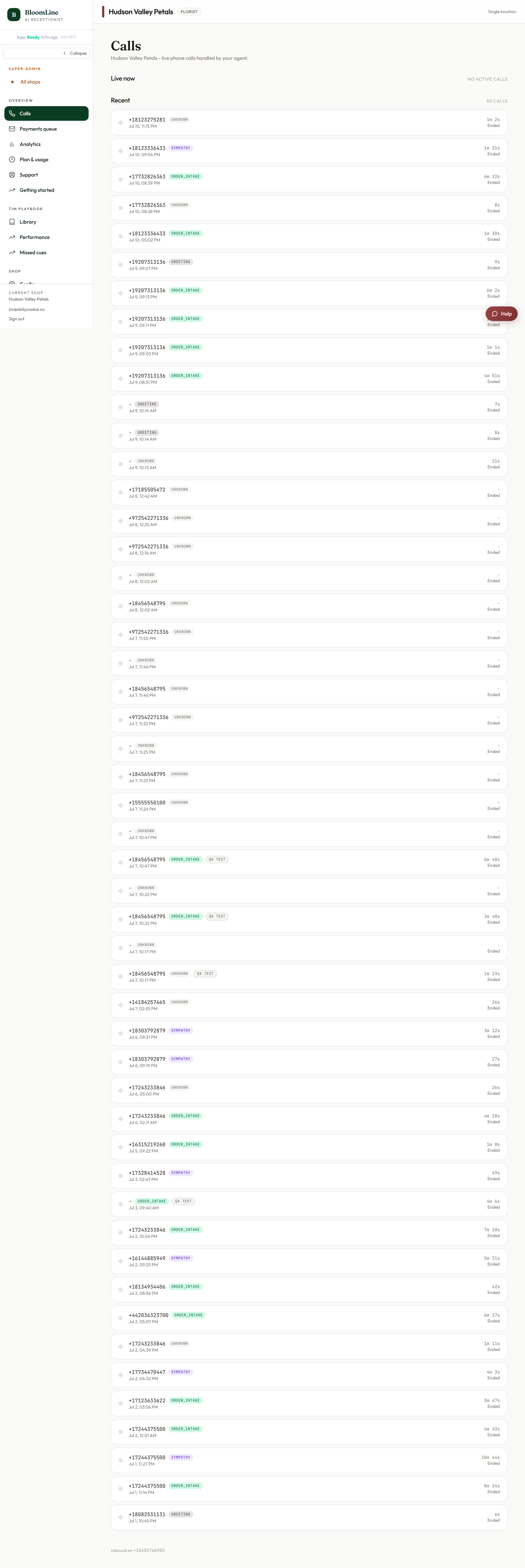
- Open Calls (/dashboard/calls). Mystery shop calls carry a mystery-shop tag so they're easy to spot among real customer calls.
- Click the call to open its detail page. Alongside the recording and transcript you'll find the mystery-shop score card: each of the 12 rubric rules marked pass or fail.
Because the score card sits next to the full recording and transcript, you can listen to the exact moment a rule failed instead of guessing what went wrong.
Spot patterns, not one-offs
Back on the Mystery shop page, two panels help you see the bigger picture:
- Recent runs: your latest test calls and how they scored.
- Most-missed rubric rules: the rules Riley fails most often across runs. If the same rule keeps failing, that's your next fix - update the greeting, the knowledge base, or the relevant sales play, then re-run the scenario to confirm the fix.
There's also a Trends link for pass rate over time and a rubric heatmap - see the separate article on trends, schedules, and run history.
When to run one
- Before going live: it's an item on your Getting started checklist for a reason. Run at least one before you forward your real line.
- After any meaningful change: new greeting, edited knowledge, rewritten sales play, changed hours.
- On a schedule: you can set mystery shops to run daily or weekly so quality drift shows up before customers notice it.
Still stuck? Submit a ticket from this help center and we'll take it from there.
Was this article helpful?
That’s Great!
Thank you for your feedback
Sorry! We couldn't be helpful
Thank you for your feedback
Feedback sent
We appreciate your effort and will try to fix the article