BloomLine's full privacy policy is public and always available at km-florist-receptionist.vercel.app/privacy. This article tells you what the policy covers and where the related controls live, so you know exactly what you are agreeing to and how to change your mind later.
Where to read the policy
The privacy policy is linked from the footer of the home page and is readable without signing in. It is the authoritative document - if anything in this help center ever seems to conflict with it, the policy wins.
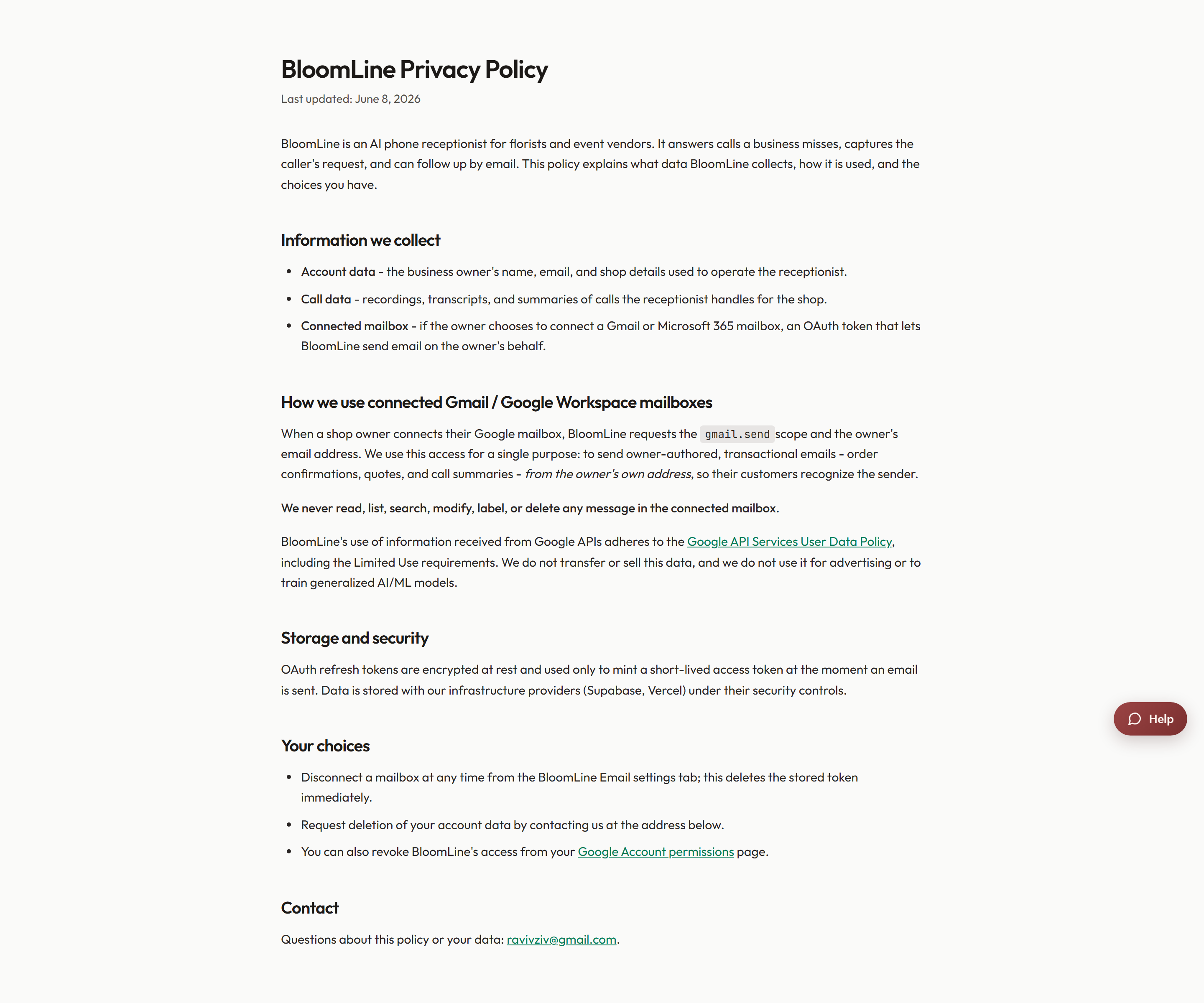
Connected Gmail and Google Workspace mailboxes
Some BloomLine features can connect to a Google mailbox on your behalf. The privacy policy has a dedicated section explaining how connected Gmail and Google Workspace mailboxes are used - what BloomLine accesses and for what purpose. The policy also links to two Google resources worth knowing about:
- The Google API user-data policy - the rules Google holds BloomLine to for any data accessed through Google APIs.
- Your Google account permissions page - the page inside your own Google account where you can review every app connected to it, see what access each one has, and revoke access at any time. Revoking there cuts BloomLine off from the mailbox immediately, no support ticket needed.
Related controls in your dashboard
Beyond the policy itself, a few day-to-day privacy levers live inside your BloomLine dashboard:
- Call recordings retention: the Recordings page (Shop section of the sidebar) has a retention setting that controls how long recordings are kept, plus a per-recording Lock button for anything you never want deleted.
- Google Calendar: if you connected Google Calendar for wedding consults, you can disconnect it any time from the Integrations tab of Shop config.
- Office 365 mailbox: if you connected an Office 365 mailbox for sending, the Disconnect control is in the Notifications tab of Shop config.
Questions about your data
If something in the policy is unclear, or you want to know exactly what BloomLine holds for your shop, open a support ticket from the Support page in your dashboard and ask. Include your shop name so we can answer for your account specifically rather than in general terms.
Still stuck? Submit a ticket from this help center and we'll take it from there.
Was this article helpful?
That’s Great!
Thank you for your feedback
Sorry! We couldn't be helpful
Thank you for your feedback
Feedback sent
We appreciate your effort and will try to fix the article